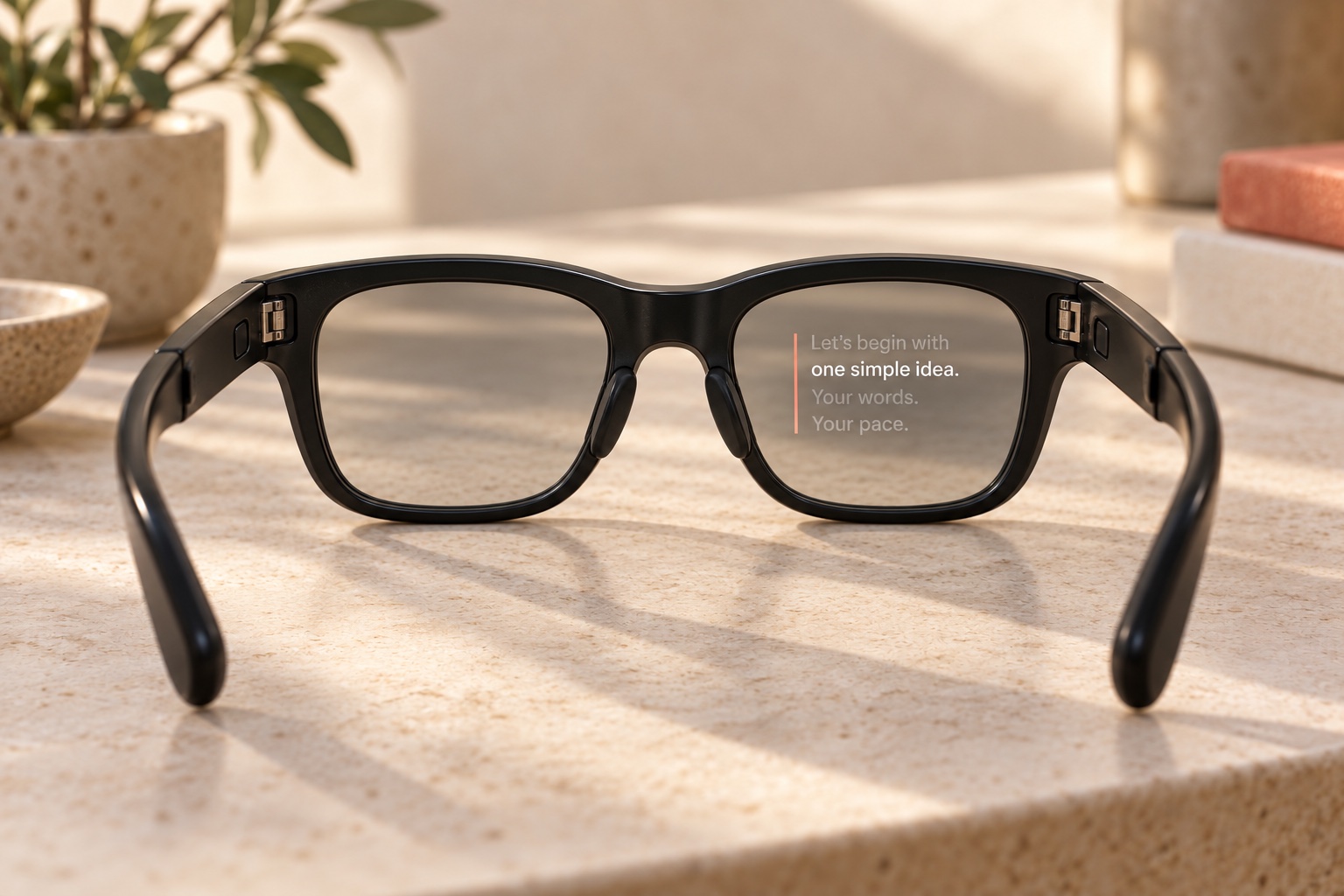
Simple writing, right at home
Type naturally. AdLibly handles the rest.
The teleprompter that finds you again—even when you ad-lib.
AdLibly listens locally and tracks your place as you speak on iPhone or iPad. Go off-script to answer a question, then return—AdLibly finds your place.
$15.99$9.99One-time purchase · No subscription
See AdLibly in action
Present on iPhone or iPad, keep AdLibly beside a Mac or PC, or use iPhone Companion when the meeting needs the iPad microphone.
$15.99$9.99One-time purchase · No subscription
Get AdLiblyGo off-script
AdLibly listens for where you are in the words. Speak naturally, take a detour, or skip ahead—then come back and AdLibly reconnects you to the script.
A better way to present.
Most presentations don’t follow the script exactly.
▶We pause, explain an idea,
answer a question—
and then find our way back.
Present mode
Make the text as quiet or as prominent as you need. AdLibly keeps the current line clear, so you can stay with the room—not hunt for your place.
Made for iPhone and iPad
Write and organise scripts in a clean, familiar editor, then present from whichever device is with you. Scripts remain available offline and sync privately through iCloud.
Type naturally. AdLibly handles the rest.
Big, legible text with a clear reading line.
Flip the text for beamsplitter rigs and camera-mounted teleprompters.
Simple controls stay out of your way until needed.
AdLibly tracks your place while you speak, so there is no fixed scrolling speed to manage.
Read naturally. Pause whenever you like. You can even go off-script for a moment.
When you return, AdLibly will find your place and continue with you.
Stay with your audience. AdLibly will keep your place.
Present anywhere
Use AdLibly on iPhone or iPad by itself, add AirPods, or let a nearby iPhone listen when Zoom, Microsoft Teams, or Google Meet already has the iPad microphone. However you present, AdLibly follows your words.
Your iPhone and iPad work together locally. Audio is never uploaded or recorded.

Private by design
Your voice stays on-device. Your scripts sync privately through iCloud.
Speech recognition happens locally. Audio is never recorded or uploaded.
Your library syncs through your private iCloud account and remains available offline. Optional Cloud glasses prompting uses an encrypted relay.
A nearby iPhone can become the Companion for an iPad presentation without sending audio online.
No sign-up, advertising profile, or subscription identity to manage.
Teleprompter guides
Practical advice for choosing, setting up, and speaking with a teleprompter—on camera, in meetings, and in the room.
01
Write for speaking, build clear landmarks, and use the free script timing calculator to plan your delivery.
Read the guide02
Write for the ear, position your script well, and keep a conversational delivery.
Read the guideGlasses prompting
Explore Cloud prompting on Meta Ray-Ban Display and upcoming Direct mode.
Read the guideGood to know
AdLibly is designed for the practical realities of meetings, presentations and camera-mounted teleprompters.
Yes. Let the meeting use the iPad microphone and use a nearby iPhone as the Companion. The iPhone listens locally while AdLibly keeps your place in the script on iPad. See the Microsoft Teams setup.
No. AdLibly is a teleprompter, not a recording studio. Speech recognition happens on-device, and your audio is not recorded or uploaded.
No. An iPhone or iPad can run AdLibly by itself. AirPods are useful in video calls because they stop remote voices from reaching a nearby iPhone Companion. See the AirPods setup guide.
Your scripts remain available offline, and speech recognition stays on your device. Cloud glasses prompting needs internet on both devices. Direct mode for presenting without internet is coming soon. iCloud sync and initial setup may also need connectivity.
Glasses prompting requires Meta Ray-Ban Display paired with Meta AI, AdLibly on your iPhone or iPad, and Meta Developer Mode. Apple’s iPhone Developer Mode is not needed for App Store installation. See the setup requirements.
Yes. Mirror mode flips the text for beamsplitter glass and camera-mounted teleprompters. Read more about mirror mode.
AdLibly is designed for iPhone and iPad. You can write and present on either device, or use an iPhone and iPad together through Companion mode. You can also use Meta Ray-Ban Display from your iPhone or iPad. Displayless Ray-Ban Meta glasses cannot show the prompt.
Simple pricing
AdLibly is one purchase for the complete iPhone and iPad experience, including iPhone Companion and private iCloud script sync. No subscription is required for the iPhone and iPad app. There are no adverts or limits on your scripts.
AdLibly
$15.99$9.99
One-time purchase for iPhone and iPad.