Zoom teleprompter
Prepared words.
Natural call.
Keep your script beside Zoom and speak at your own pace. If Zoom is using the iPad microphone, a nearby iPhone Companion can listen and keep your place in the script.
A Zoom call changes pace
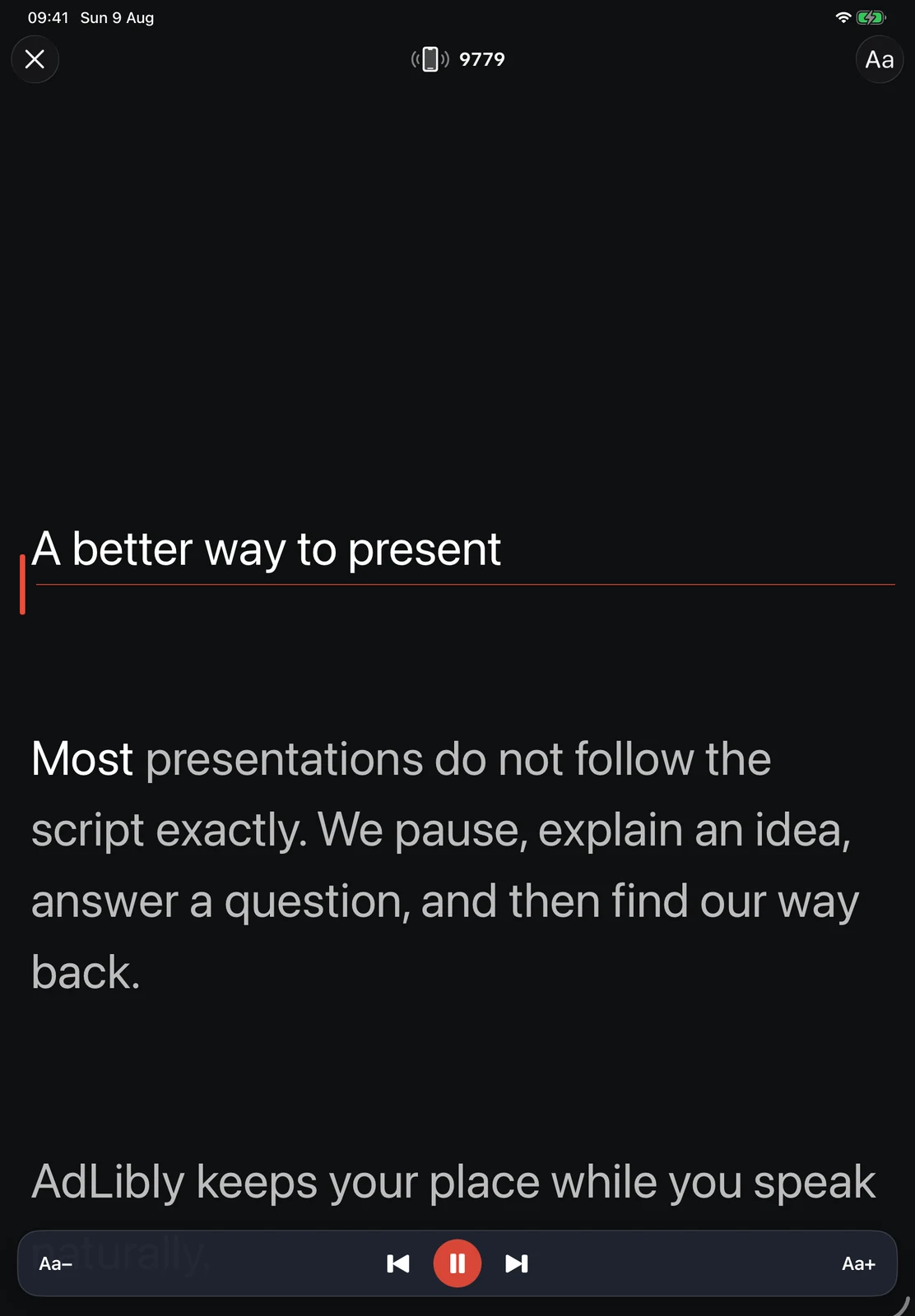
Questions arrive, someone shares a screen, or you pause to listen. AdLibly moves through the script as you speak and waits when you stop.
Choose one device or two
If Zoom is running on a computer, place AdLibly on an iPhone or iPad near the webcam so it can listen directly. If Zoom and AdLibly are both running on the iPad, use iPhone Companion so Zoom can keep the iPad microphone.
AdLibly runs and listens on the iPhone or iPad beside the webcam.
A nearby iPhone Companion listens locally while Zoom keeps the iPad microphone.
Use headphones when the iPhone is listening. This stops voices from the meeting reaching the nearby iPhone.
When Zoom and AdLibly share an iPad
- Open your script on iPad and tap Present. A four-digit code appears at the top of the screen.
- On iPhone, open AdLibly, tap Connect to iPad, choose your iPad, enter the code and tap Pair with iPad.
- Connect AirPods or other headphones to the iPad so the meeting audio does not reach the iPhone.
- Put Zoom and AdLibly side by side on iPad using Split View, Stage Manager or windowing.
- Join the Zoom call and say the opening lines to check that the active line follows you.
Keep eye movement small
Choose a text size that you can read with a quick glance and leave enough of the Zoom window visible to see the people in the call.
Explore the complete iPad teleprompter setup, see how AirPods fit into a meeting setup, or watch AdLibly in action.