Google Meet teleprompter
Meet the room.
Keep the words.
Use AdLibly beside Google Meet on iPhone or iPad. If Meet is using the iPad microphone, a nearby iPhone Companion can listen to you and keep your place in the script.
Choose where the call runs
When Google Meet is on a computer, use AdLibly on an iPhone or iPad near the webcam. When Meet and AdLibly share an iPad, a nearby iPhone Companion can listen while Meet uses the iPad microphone.
AdLibly runs and listens on the iPhone or iPad beside the webcam.
A nearby iPhone Companion listens locally while Meet keeps the iPad microphone.
Write for a live conversation
Use the script for any wording you need to deliver exactly, such as an opening, a quotation, important numbers or a closing. Break the rest into short sections so it is easy to find the next point after a question.
Questions won’t throw you off. Pause for the conversation, then continue when you are ready. As you start reading again, AdLibly finds your place in the script.
When Meet and AdLibly share an iPad
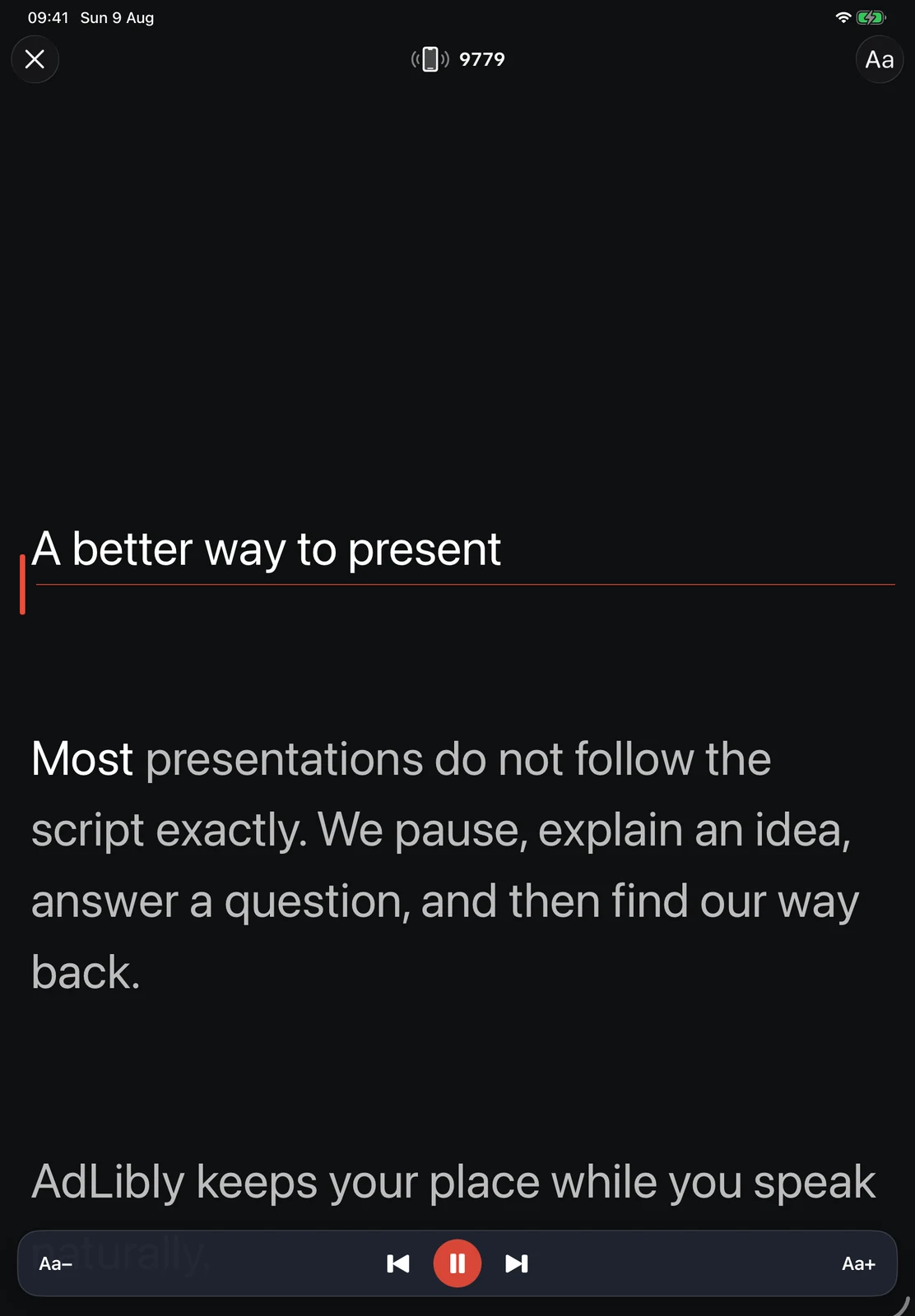
- Open your script on iPad and tap Present. A four-digit code appears at the top of the screen.
- On iPhone, open AdLibly, tap Connect to iPad, choose your iPad, enter the code and tap Pair with iPad.
- Connect AirPods or other headphones to the iPad so the meeting audio does not reach the iPhone.
- Put Meet and AdLibly side by side on iPad using Split View, Stage Manager or windowing.
- Join the Meet call and say the opening lines to check that the active line follows you.
Keep the setup private
Speech recognition happens on-device. Audio is not recorded or uploaded, and scripts sync through your private iCloud account rather than an AdLibly server.
Compare the Microsoft Teams setup, explore using AdLibly with Zoom, or watch the product demonstration.