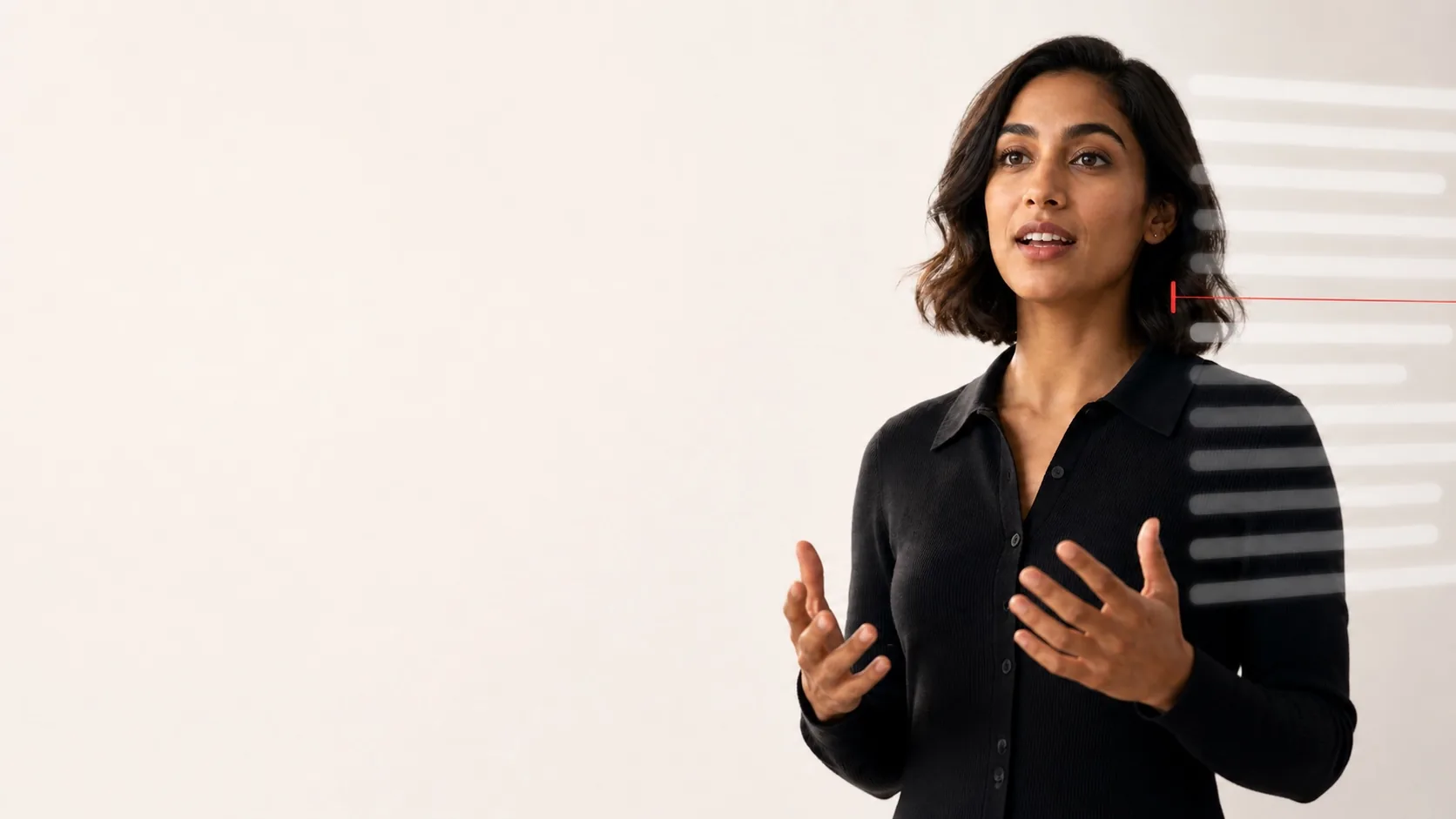
A video interview puts several jobs in the same small space: listening carefully, remembering an example, watching the clock, and looking engaged on camera. Notes can help, but a full script usually makes the harder part worse. You start searching for the next sentence instead of responding to the person in front of you.
A teleprompter can be a better home for interview notes because it keeps them near the camera. The useful approach is to prepare prompts, not a performance: a few proof points, a clear structure for your stories, and the questions you want to ask. You should still answer in your own words, adapt to what was actually asked, and follow the interviewer's lead.
Use a prompt to remember, not to conceal. If an interviewer asks for an unscripted exercise, asks you to share your screen, or expects a response without notes, follow that instruction. A prompt is for preparation and accessibility—not a substitute for your experience or judgement.
Start with the interview, not the device
Before you open a teleprompter, find out what kind of conversation you are having. A recruiter screen, hiring-manager interview, portfolio review, technical exercise, and panel interview make different demands. The invitation, job description, and any instructions from the employer are more useful than a generic list of answers.
Write down the three or four themes the role appears to need: perhaps customer research, project delivery, stakeholder communication, or a particular tool. For each theme, choose one genuine example you can explain clearly. You do not need a story for every imaginable question. You need enough familiar material to listen calmly and select the relevant example.
Build an answer map, not a word-for-word script
Long paragraphs invite you to read. An answer map gives you a route through the answer while leaving room for the interviewer's exact wording and follow-up questions. Keep one story to a short heading and four or five compact cues.
Example: improving a handover process
Situation: New customer requests arrived through three different channels.
Task: Give the support team one reliable view of urgent work.
Action: Interviewed the team; mapped the handover; introduced one intake form and a daily check.
Result: Use the real outcome you can explain—such as fewer missed handovers, a faster response, or clearer ownership.
Reflection: What you would repeat or change next time.
That is enough to support a STAR-style answer without forcing you to recite one. Do not borrow the example's outcome as your own; replace every cue with details you can stand behind. If you need precise facts—dates, scope, or a metric—put them on their own short line so you can glance at them without breaking your flow.
Leave a blank line between stories and use headings you can recognise instantly: “conflict,” “customer problem,” “mistake,” “delivery,” or “why this role.” This is the same landmark principle that makes a live presentation script easier to rejoin after an interruption.
What belongs in your interview prompt
A compact prompt should be easy to scan in a few seconds. Put the most valuable reference material first and remove anything you would only look at because it feels reassuring.
- Role themes: the two or three capabilities you want your examples to demonstrate.
- Story headings: short labels for your own examples, with a few facts or outcomes below each one.
- Names and pronunciation: the interviewers' names, the company name, and any term you want to say accurately.
- Your questions: questions that would help you judge the role, team, expectations, or first few months.
- A closing reminder: one honest sentence about why the work interests you, not a memorised pitch.
Keep the job description and your résumé available separately if the interview format permits it. They are reference documents, not a teleprompter feed. Mixing them into the same scrolling text makes the prompt dense and makes it harder to find the next useful cue.
Place the prompt where attention can return to the camera
For an interview on a Mac or PC, set the camera at a comfortable height, then position an iPhone or iPad prompt immediately below, above, or beside the webcam. Make the text large enough to read with a short glance, but not so large that every phrase becomes a separate eye movement. The goal is a natural rhythm: look at the interviewer or lens, glance at one cue, then come back.
Use the webcam positioning guide for a practical two-minute check. It is usually more effective to move the prompt closer to the lens than to keep increasing the font size. The font-size guide can help you settle the final display at the distance you will actually use.
If the interview is on the same iPad
Arrange the meeting and AdLibly before joining the call, with the iPad in the stand or keyboard case you will really use. If the meeting app needs the iPad microphone, AdLibly's iPhone Companion can listen from a nearby paired iPhone while the iPad remains in the call. Use headphones connected to the iPad so the call audio is not picked up by the listening phone.
Do a short test call first. The exact window layout and microphone behaviour depends on the meeting app and your device, so it is better to discover a crowded screen before the interview starts. The iPad meeting setup guide explains the same split-window and Companion workflow in more detail.
Rehearse the transitions, not a perfect performance
Read the opening answer, one career example, and your closing question aloud once with the actual camera and prompt position. Then practise the moments that are easy to fumble: moving from a broad question to a specific story, checking a fact, and responding after an unexpected follow-up.
- Ask a friend to change the question. Start with one answer map, then have them ask for a different example. This checks whether the headings let you switch without searching.
- Pause mid-story. Look away for a moment, then find the next landmark instead of trying to recover the exact word.
- Say a number aloud. Check that metrics and dates are readable, accurate, and placed on their own line.
- Finish with your questions. Make sure you can leave the prompt and listen to the answer rather than preparing the next one.
AdLibly can follow your spoken words rather than advancing on a fixed-speed scroll, which is useful when an interviewer pauses, asks a follow-up, or changes the order. Still, your prompt should work even if you choose manual controls or do not use voice-follow: headings and short cues are the reliable fallback. For a focused way to practise recovering after a pause, try the lost-place recovery drill.
Know when to look away from the prompt
Interviewers are looking for a conversation, not uninterrupted eye contact. When they ask a question, listen without reading ahead. When you need a moment, it is fine to pause and say that you are thinking of a relevant example. During an answer, look to the lens at the start and end of a point; use the prompt only to recover a fact or the next branch of the story.
If you find yourself reading complete sentences, make the prompt smaller in scope. Delete introductions, filler words, and explanations you already know. A note that is too sparse can be expanded; a prompt that turns every answer into a recital is much harder to fix during a live interview.
A five-minute pre-interview check
- Open the invitation and confirm the platform, time zone, interviewer names, and any stated interview rules.
- Check the camera height, lighting, microphone, and your internet connection.
- Open only the answer map, role themes, and questions you intend to use.
- Read one answer aloud at a normal pace and confirm that the prompt is close to the camera.
- Close notifications and anything that could expose private information if you need to share your screen.
- Keep a pen and paper nearby for notes from the interviewer; their answer matters more than the next cue on your screen.
The best interview prompt is almost invisible. It gives you a calm way to remember the evidence behind your answers, then gets out of the way so you can listen, think, and respond like yourself.
Keep your examples close, not scripted
AdLibly keeps a clear reading line on iPhone or iPad and can follow your spoken words, so concise interview notes can support a real conversation.
Get AdLibly